
Product Photo Prompt Library for GPT Image
A product photo prompt library for GPT Image. Every prompt leaves a slot for your own product and fixes the light, lens and surface around it.
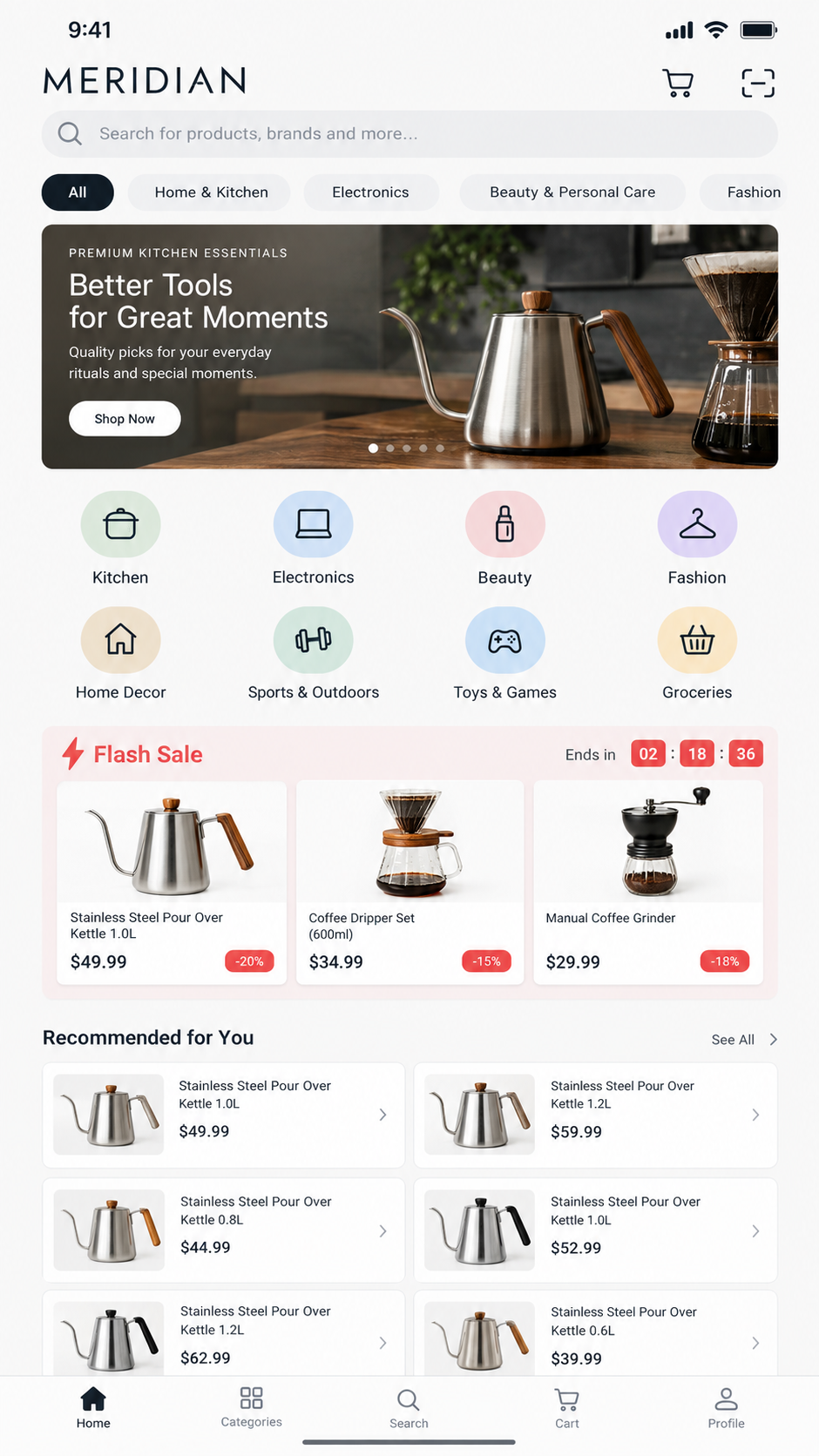
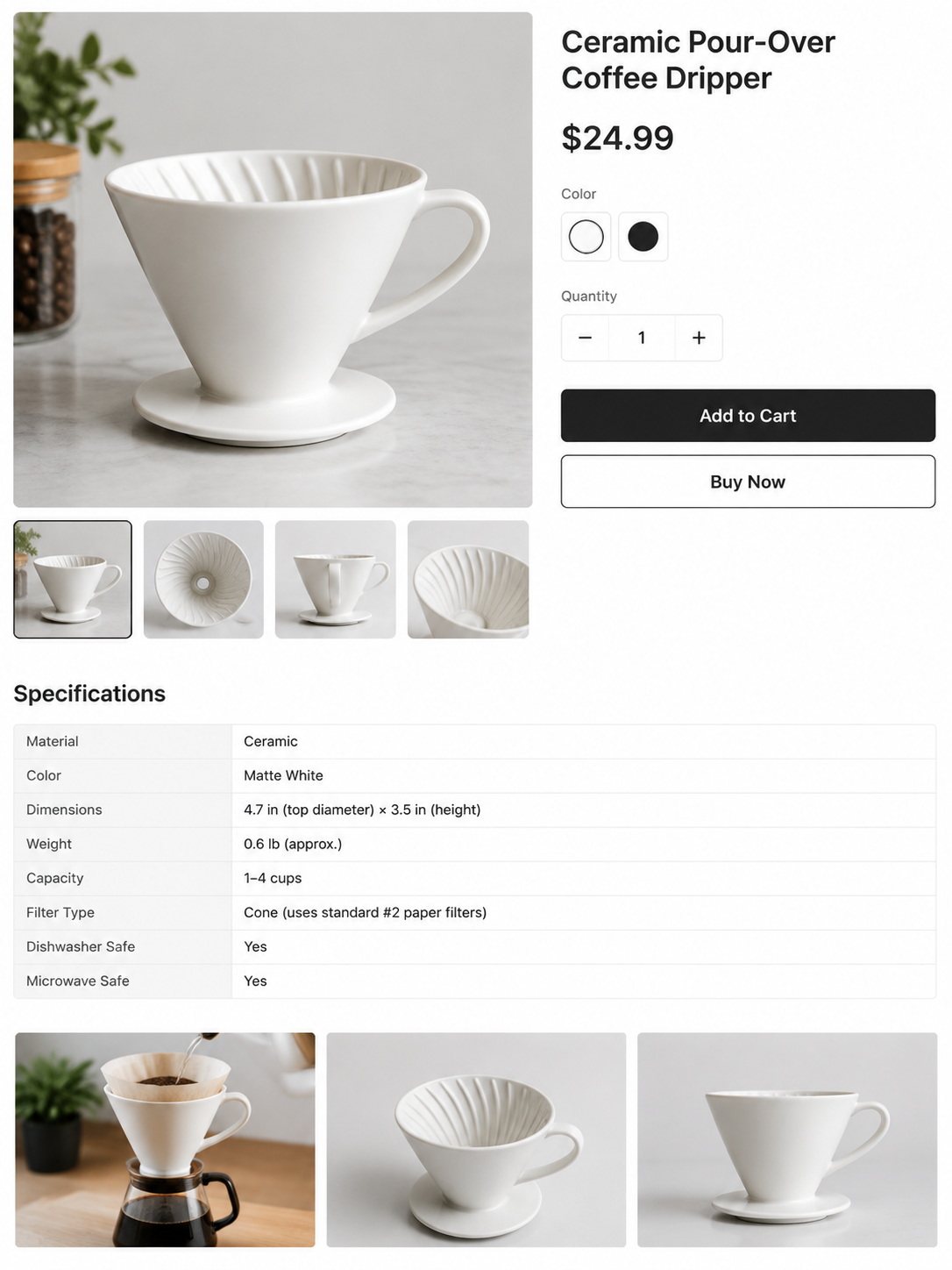
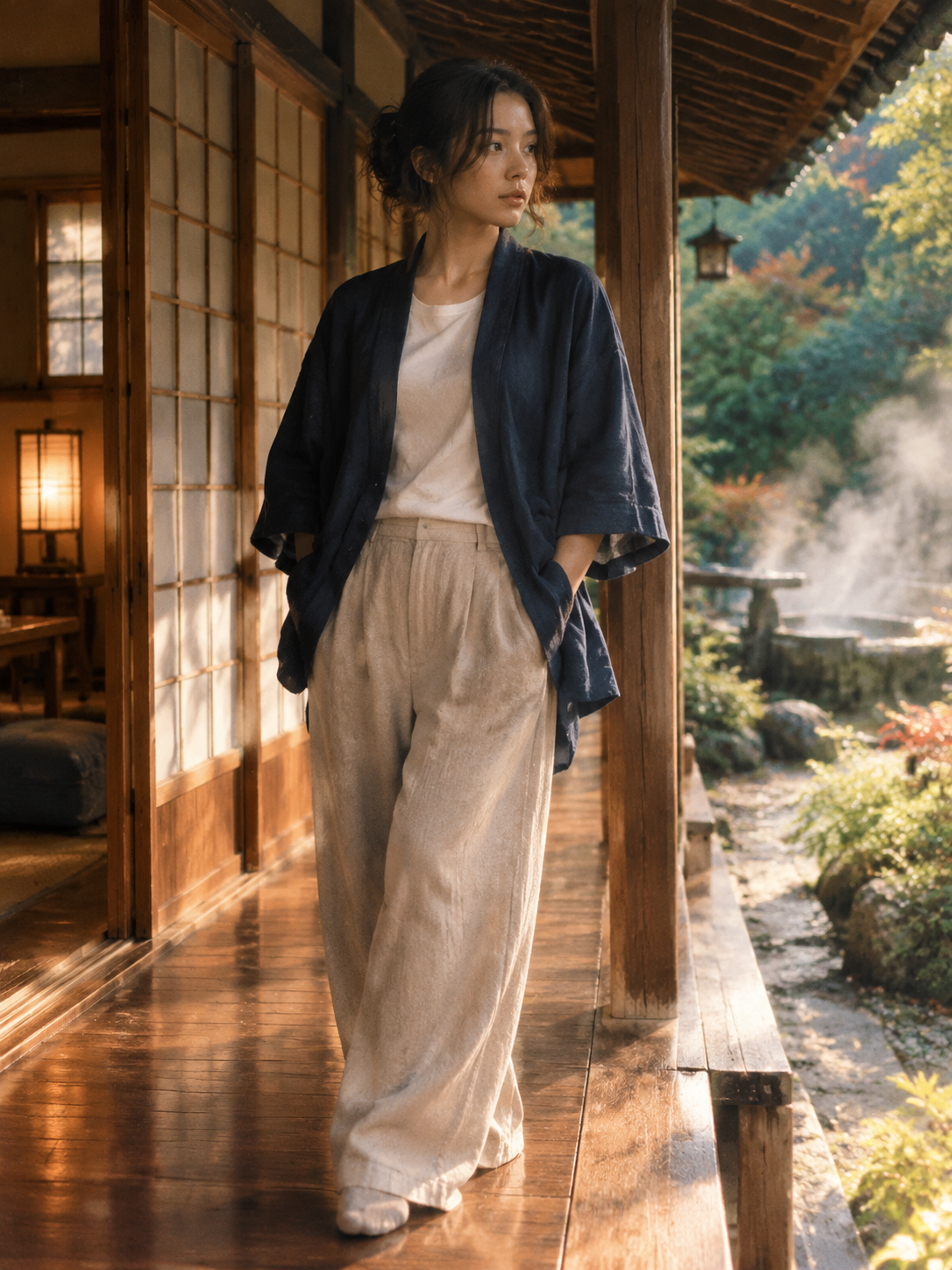
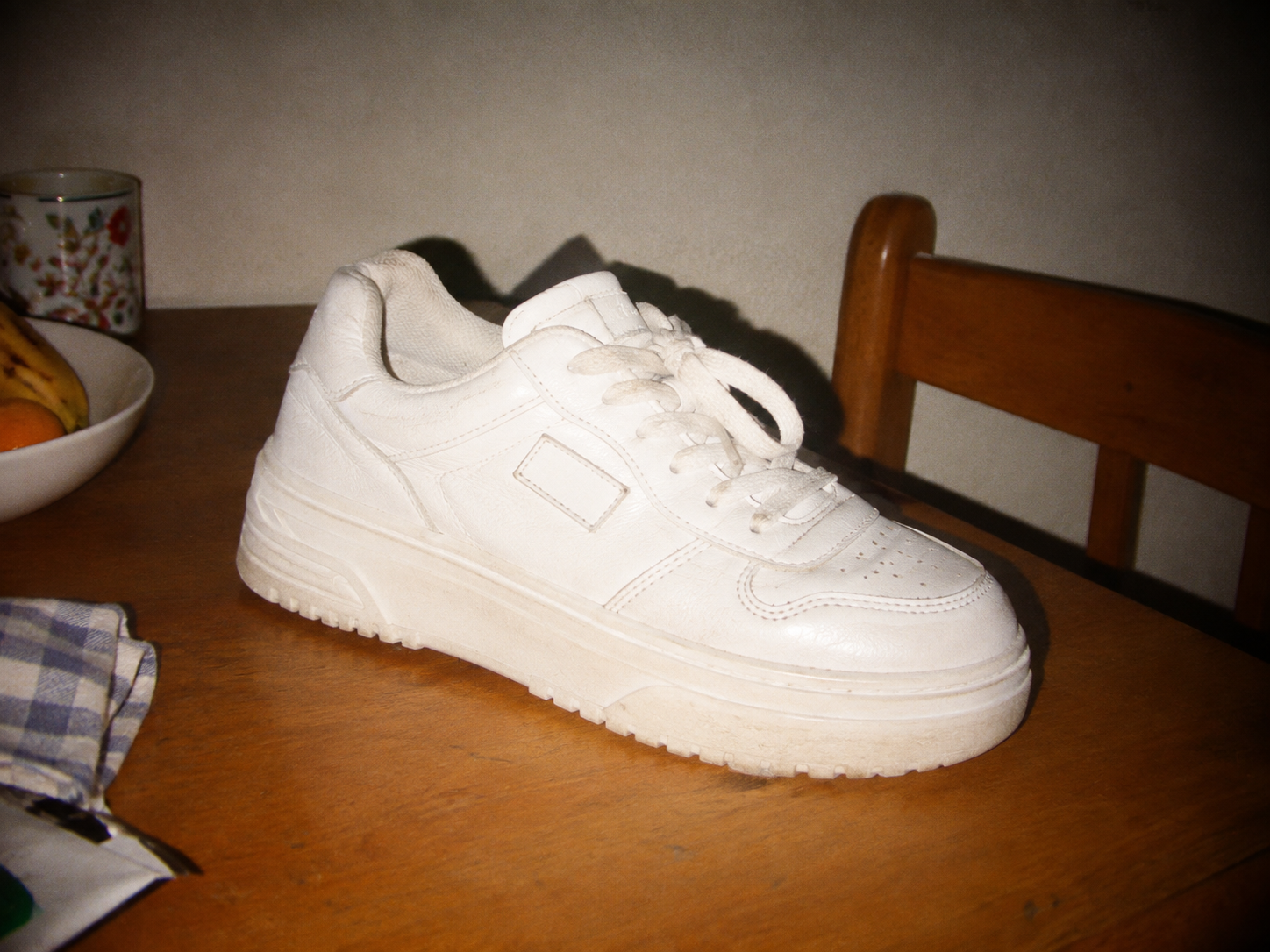
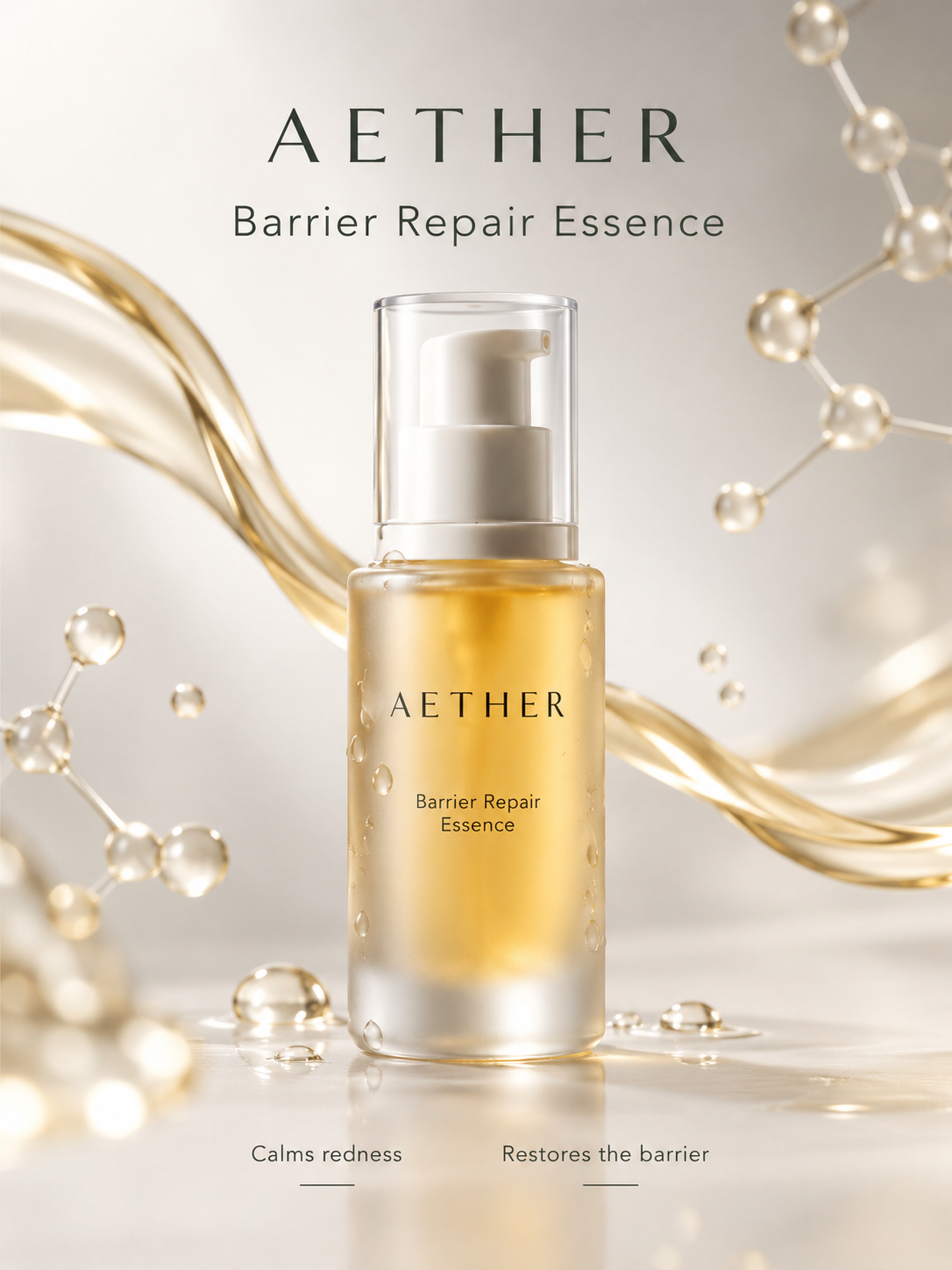
15 prompts
How the slot in a product photo prompt works
Every prompt in this library is written with a placeholder in square brackets where the subject should be: [PRODUCT], [BRAND], [SURFACE] and a few others. You swap that token for your own words and send the rest untouched. There is no templating engine behind it and nothing to learn. It is find and replace, and it is written down here because the alternative, rewriting the prompt in your own words, is the thing that breaks it.
The reason is that the interesting part of a product prompt is never the noun. A model handed "a photo of my candle" chooses the surface, the light, the lens and the crop on your behalf, and chooses differently on the next run, which is why the second image never matches the first. These prompts pin all four and leave the noun open, so the run to run variation lands on your product rather than on the set.
What to edit, and what to leave alone
Safe to change: the product, the brand name, and the surface it sits on. Naming a real material rather than a colour is what makes the difference here. Asking for seamless white gets a studio sweep, brushed concrete gets texture and a cast shadow, and a bare "white background" gets whichever of those the model settles on this time.
Leave alone: the lens and distance, the light description, and the aspect ratio if one is stated. Those lines are doing the work. They also tend to read as filler, which is exactly why they are the first thing people trim, and why a prompt that produced a clean packshot starts producing something else.
One limit worth stating plainly: these were written against GPT Image and that is where they behave as described. Paste one into a different model and it is a starting point, not a drop in. Nothing here is a promise about output from a model we do not control.
From a product still to an ad
A still is where most product work stops, and for a listing page that is the right place to stop. If the image is going into a paid placement it needs a person, a line of speech and motion, which is a different job from prompting a photograph.
- Ready made formats rather than a blank box: UGC ad templates.
- What the generator does with a product photo and a script: AI UGC ad generator.
- Portraits rather than products, with a prompt for each look: 1980s AI photo prompt.
- The shapes an ad is cut to before it ships: UGC ad formats.
Product photo prompt questions
What is a product photo prompt?
It is the block of text you paste into an image model to describe the picture you want. For product photography that means naming the surface, the light, the lens and the framing, because a model given only "photo of my product" picks all four for you and picks differently every time. The prompts in this library spell those out and leave one thing unspecified: the product itself.
How do the slots in these prompts work?
Each prompt has a placeholder written in brackets, like [PRODUCT] or [BRAND]. You replace that text with your own and leave the rest alone. That is the whole mechanic. It matters because the parts you are tempted to rewrite, the lighting and lens and surface, are the parts doing the work, and editing them is how a prompt that produced a clean packshot starts producing something else.
Can I use these product photography prompts with ChatGPT?
Yes. These were written against GPT Image and that is where they are tested, so paste one into ChatGPT with image generation on and it behaves as described. Other models read the same words differently. A prompt tuned for one model is a starting point on another, not a drop-in.
Are these prompts free?
The text is free to read and copy, with no account. What costs money is generating images, and that is billed by whichever model you paste the prompt into, not by us. If you generate here instead, the price is on the pricing page and the same prompt costs the same whether you found it here or wrote it yourself.
Why does the library only have a handful of prompts?
Because a prompt goes in once it has produced something worth keeping, and that is slower than writing prompts. A library of several hundred is mostly rewordings of the same dozen ideas, and finding the one that works inside it costs more than writing your own. The count on this page is whatever is actually in the table today.
What background should a product photo prompt ask for?
Name a real surface rather than a colour. "Seamless white" gets you a studio sweep, "brushed concrete" gets you texture and a shadow, and "white background" gets you whichever of those the model felt like. The prompts here name the surface explicitly, which is also why swapping that one line is the safest edit to make.