
AI video effects you can make from one photo
An effect here is a viral video format rebuilt around your photo: you keep the idea that made the original work and swap in your own face or your own product. Every effect has its own page with the working tool at the top, real previews from CastTake, and a plain account of what the format keeps and what it does not.
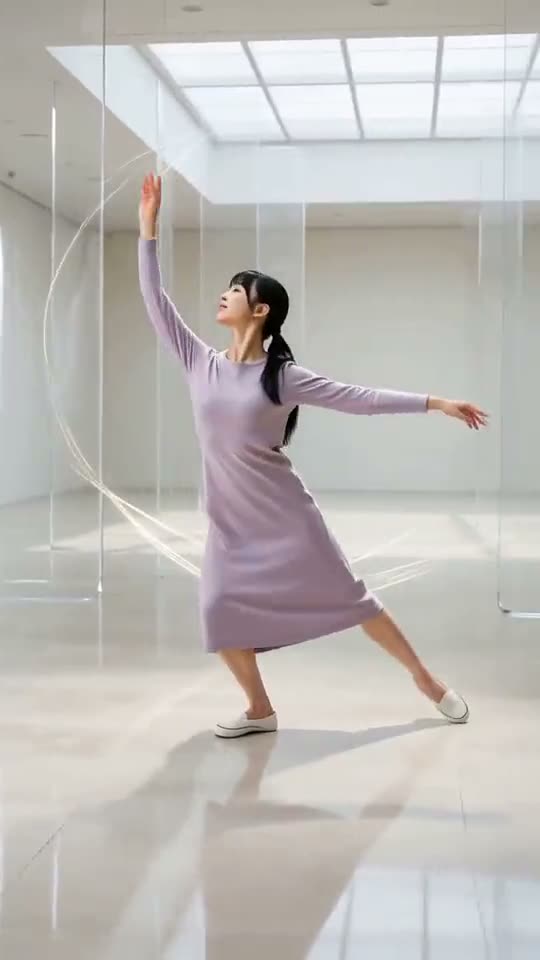 AI dance video generatorNewOne photo, three dance styles, one performer.See the previews and try it
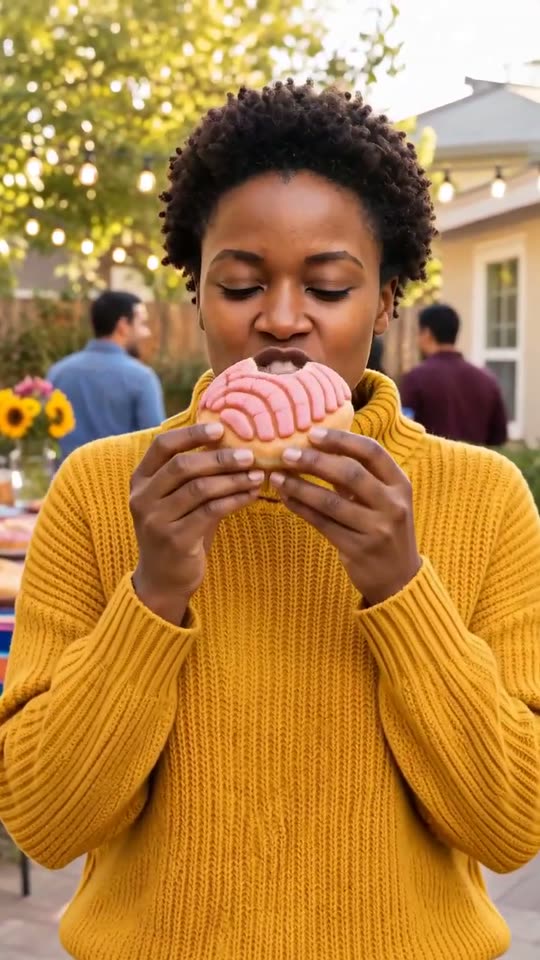 Dime dime baby AINewWalk in, bite a sweet bun, stare, then dance away.See the previews and try it
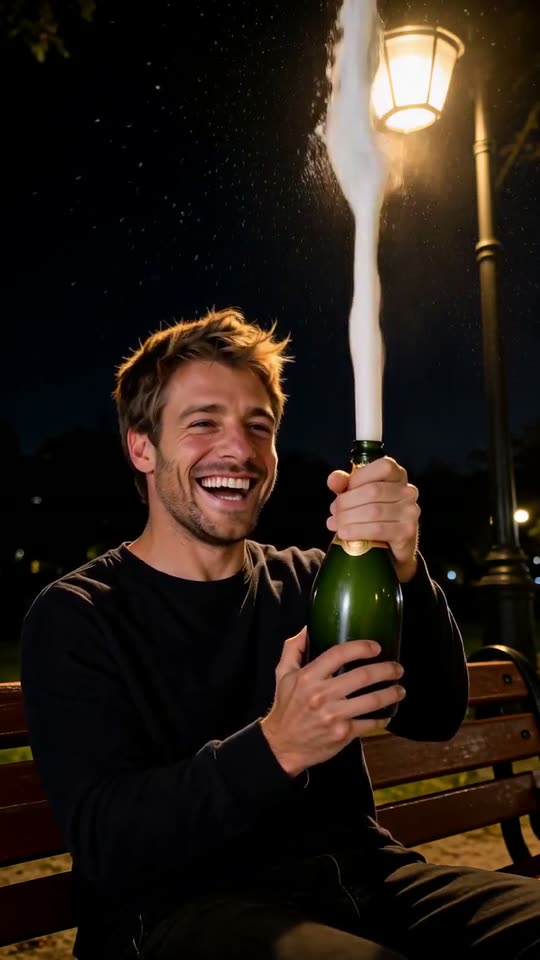 Champagne birthday AINewA night bench, one bottle, flying foam and a frozen finish.See the previews and try it
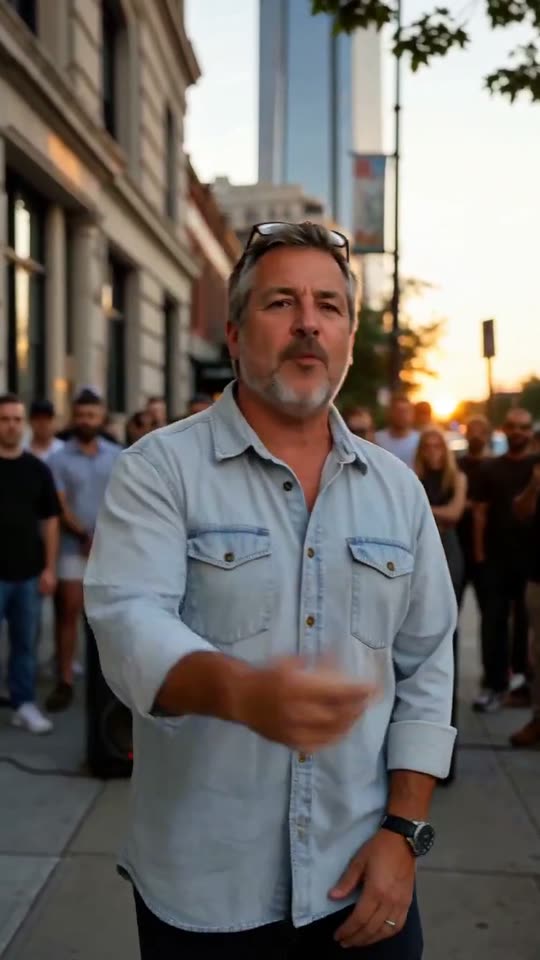 Bulin 47 AINewYour photo raps to our own original beat.See the previews and try it
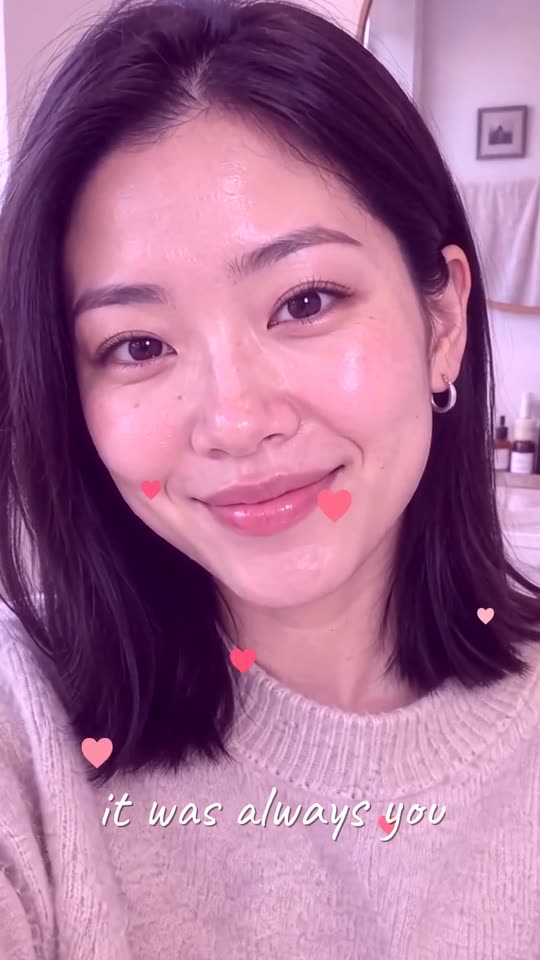 Yes yes I love you templateNewA slow push-in, rising hearts, one handwritten line.See the previews and try it
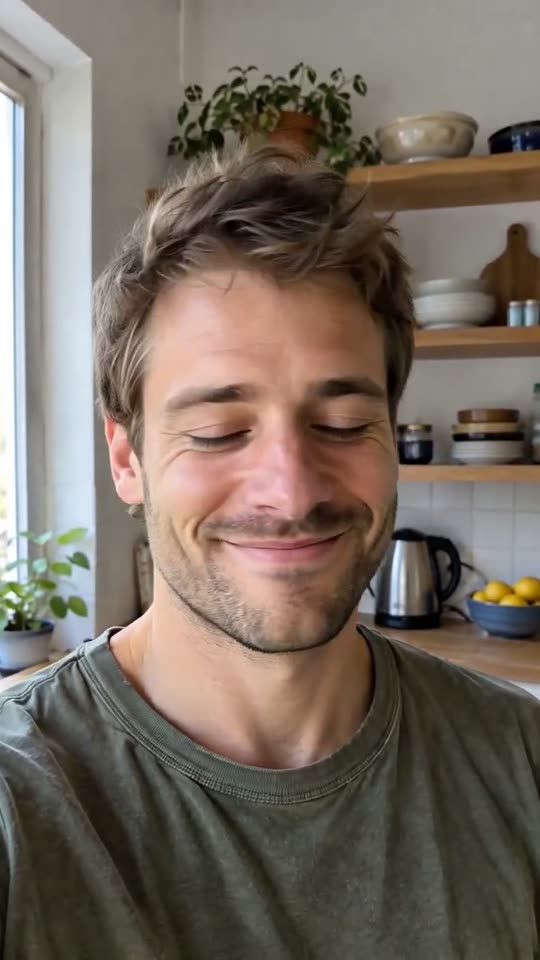 Shaking head AINewSmile, shake no, then snap your eyes open.See the previews and try it
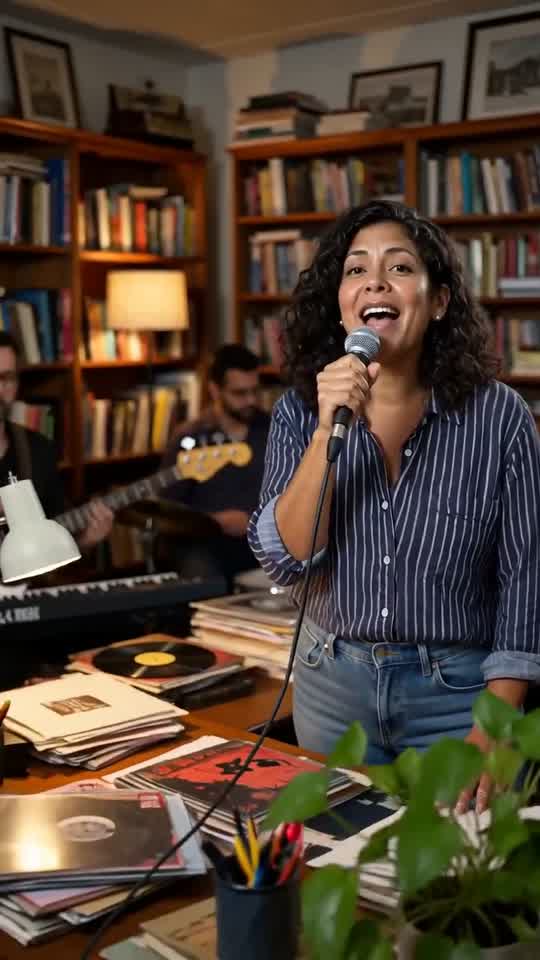 Tiny desk AINewYour face at the desk, a small band behind you.See the previews and try it
 Black Friday video makerNewOne product photo becomes a black and gold sale reveal.See the previews and try it
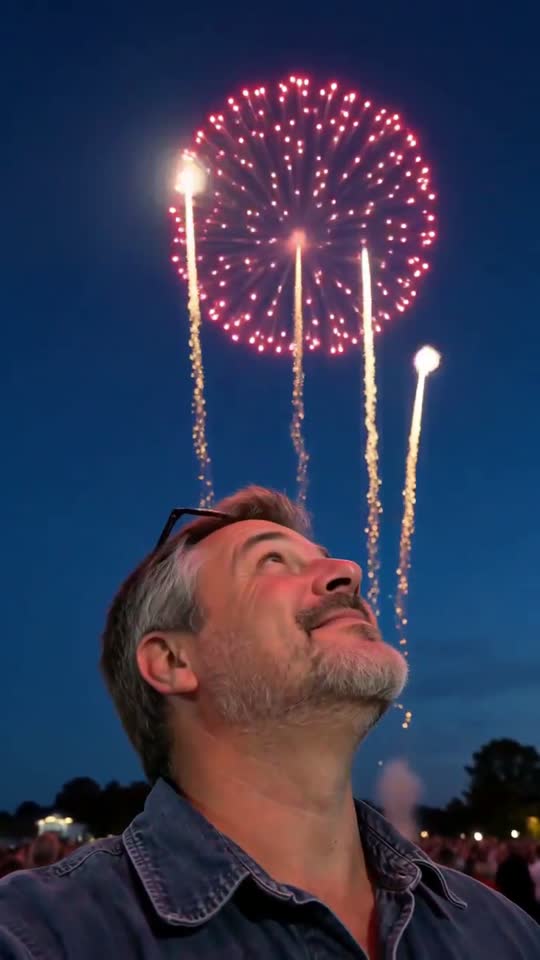 Fireworks video effectNewYour photo under a night sky of colorful firework bursts.See the previews and try it
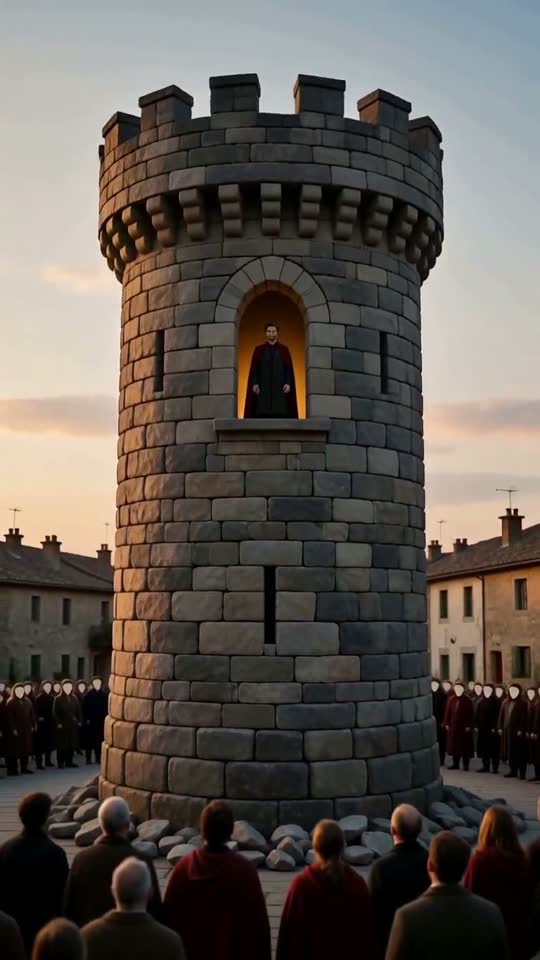 Stones to castle AINewThe stones they throw become the castle you stand in.See the previews and try it
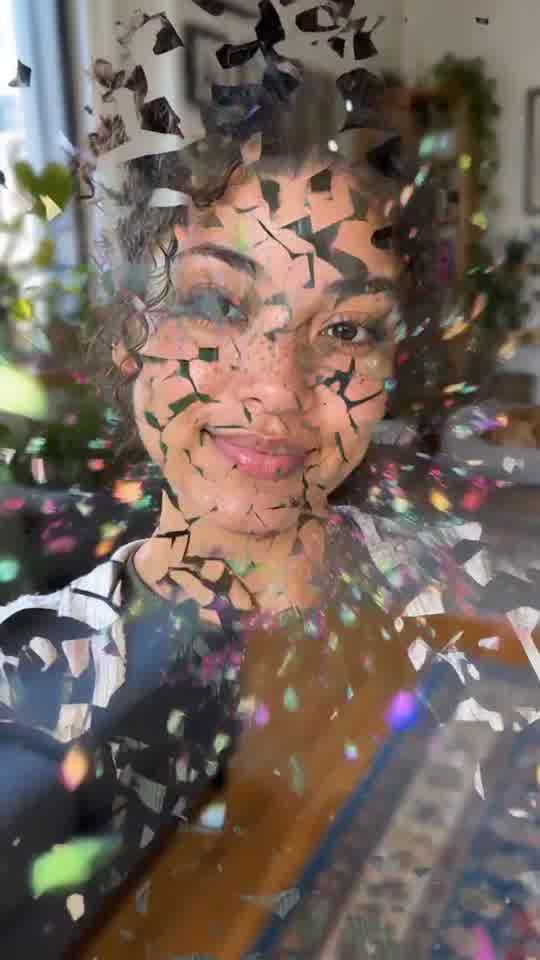 AI explode effectNewA photo bursts into bright paper confetti, then comes back together.See the previews and try it
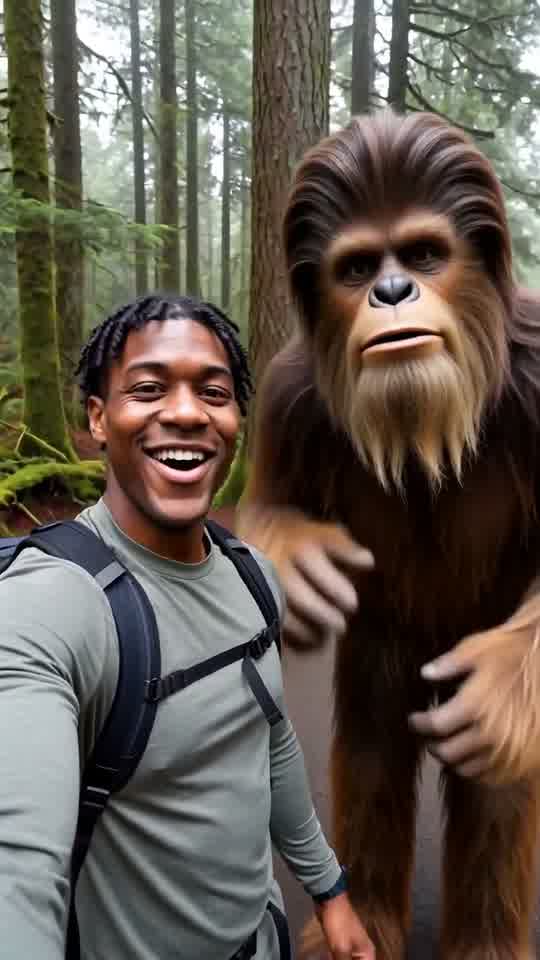 AI Bigfoot video generatorNewA handheld forest vlog where a friendly Bigfoot joins your selfie.See the previews and try it
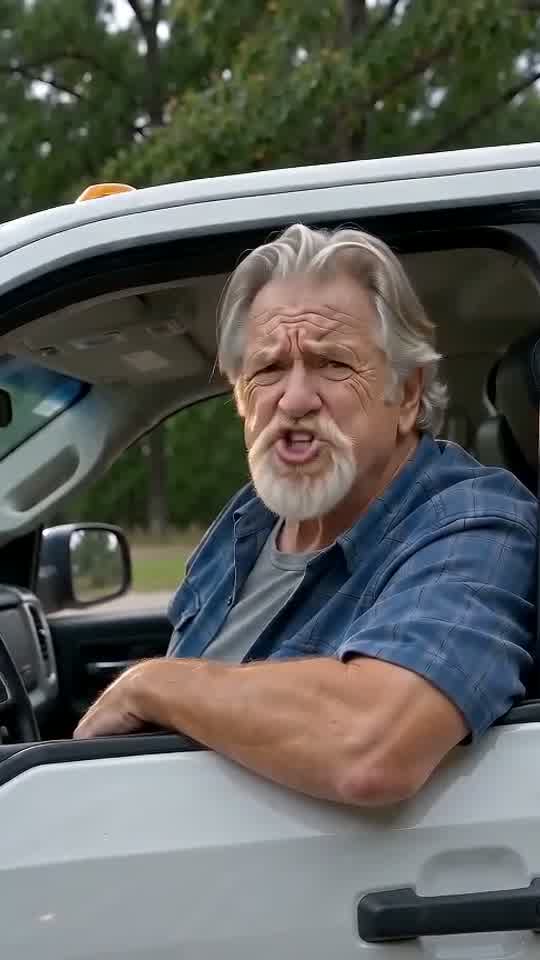 Hit the road dude AINewThe private property pickup clip, with your face.See the previews and try it
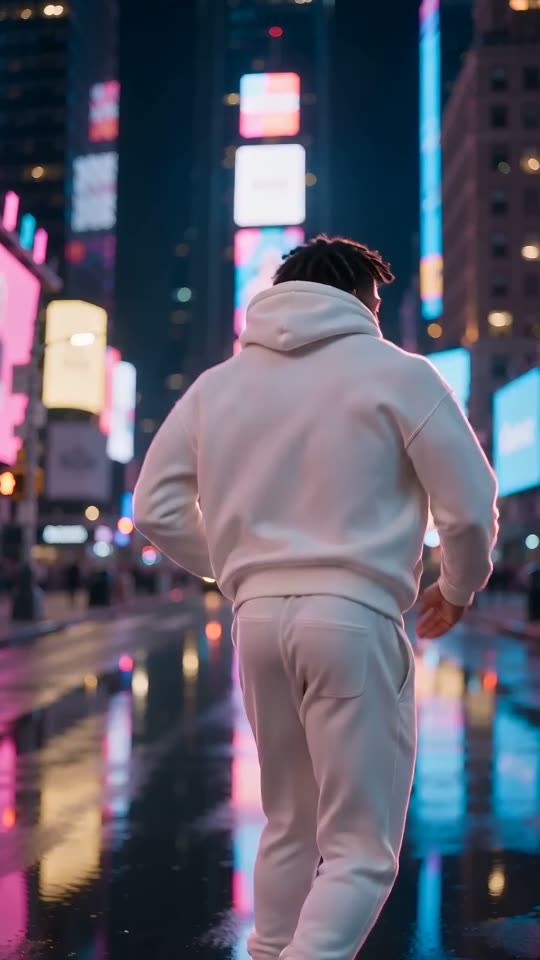 AI face swap videoNew11 ready scenes, one photo, your face in the lead.See the previews and try it
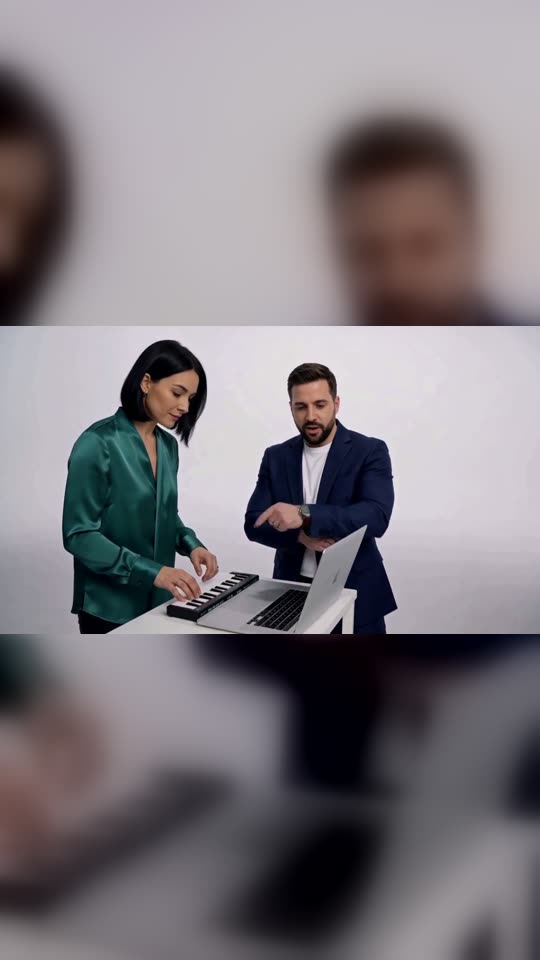 AI DJ DuoNewTwo of you at one keyboard, the Kong Kong King King clip.See the previews and try it
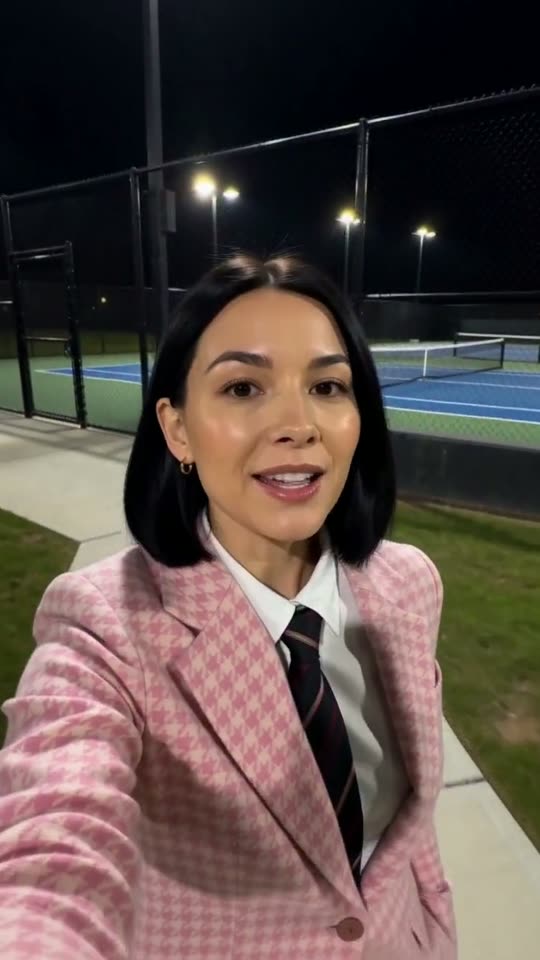 Jean Phil AINewThe pink suit selfie serenade, with your face.See the previews and try it
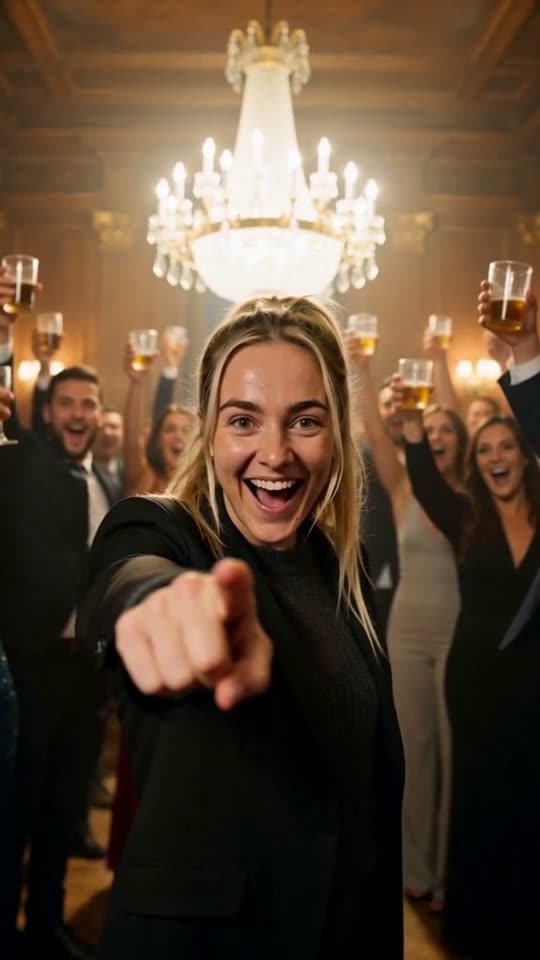 Burning Bridges AINewA chandelier party walk-out, from one photo.See the previews and try it
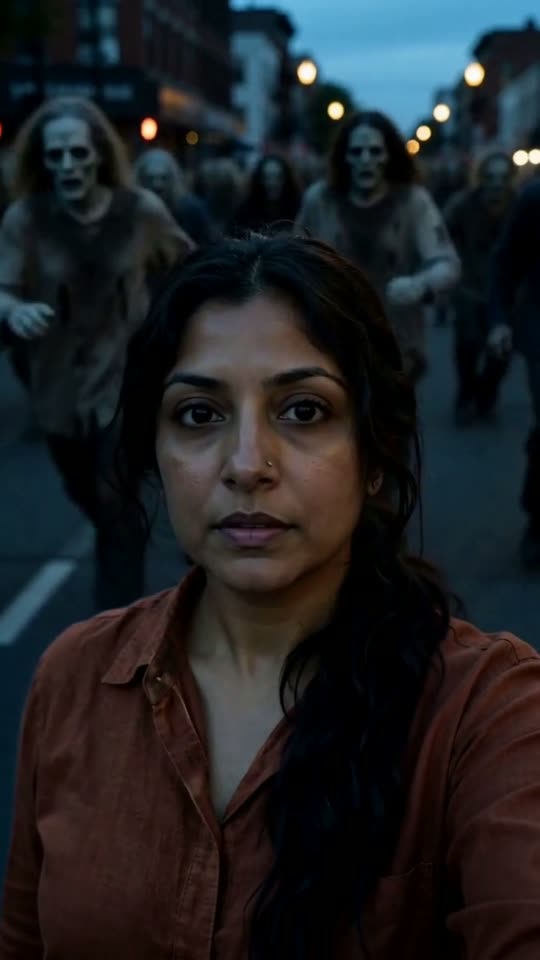 AI zombie trendNewA zombie horde rushes in behind you, from one photo.See the previews and try it
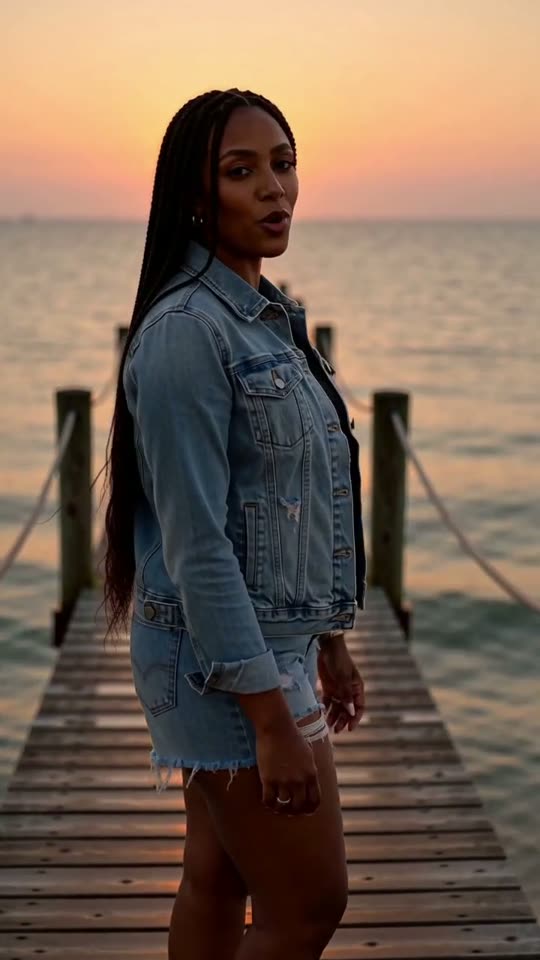 Raindance AI pierNewYou singing to the lens on a sunset pier, from one photo.See the previews and try it
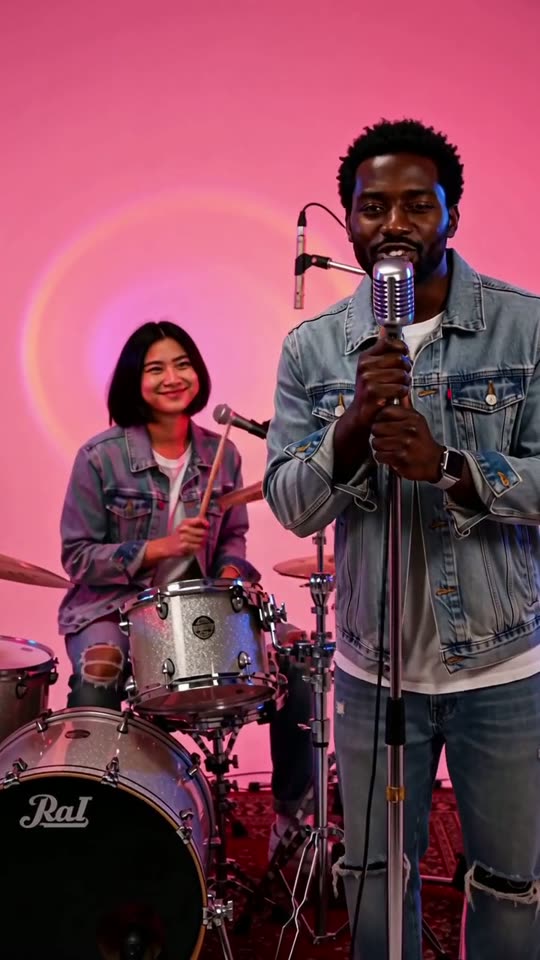 AI APT MV duoNewA drummer, a singer and a pink-lit studio, from two photos.See the previews and try it
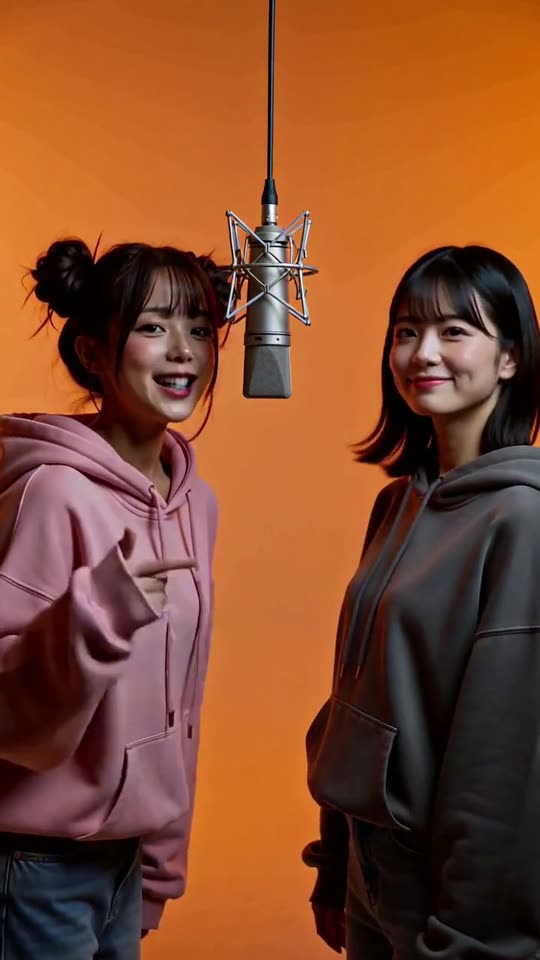 Hotel lobby AI duoNewTwo photos, one orange booth, one microphone.See the previews and try it
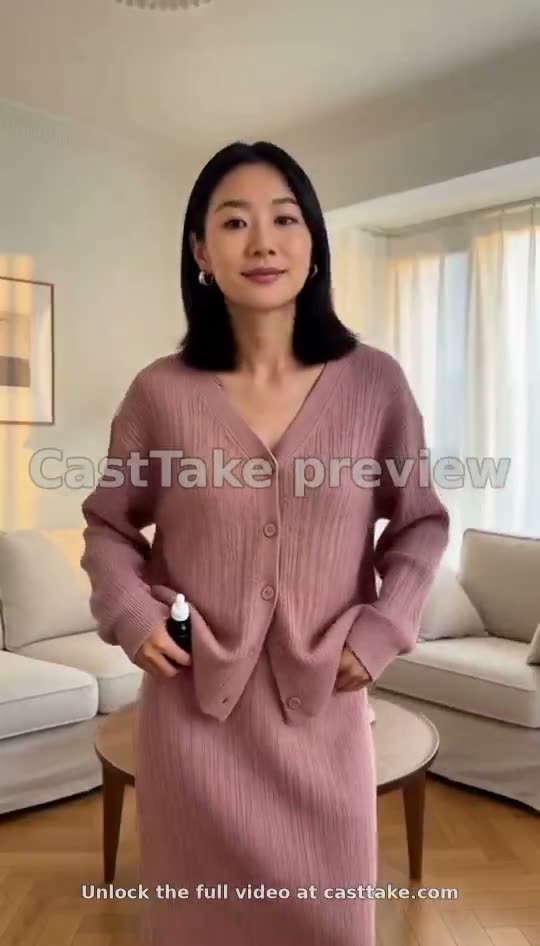 AI outfit change videoOne photo, three outfit hard cuts in a sunlit living room.See the previews and try it
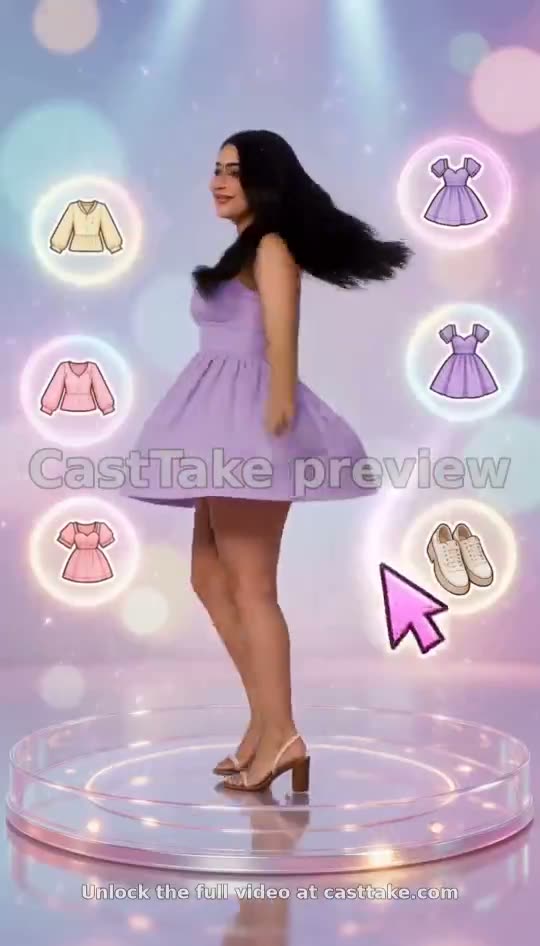 AI dress up game videoA 3D outfit stage where a cursor taps the clothes.See the previews and try itAI rap video generatorNewSeven rap video styles from one or two photos.See the previews and try it
One or two photos in
A portrait of you, or one photo per person for the duo effects. Some formats take a photo of your product. The tool on each page shows how many slots it has.
The price before anything renders
No free preview and no subscription: press Generate and the price shows first, in credits. Your first small or medium credit pack is 15% off, once per account.
Our own scenes
Each format started as someone else’s post. We rebuild it with our own scene and never present the original post as our own output.
Selling something? The UGC ad templates are finished product ads you can remake with your own photo, and every rate is on the pricing page.
Making a cat family episode? See the AI cat video page.
Want a viral clip with a ready-made AI influencer? See the AI influencer generator page.
Have a song of your own? Turn it into a vertical clip with the AI music video page.
Want your own idea rather than a format? The AI image to video tool turns any photo into a clip from a prompt you write.
Looking for an ad format rather than an effect? Browse the UGC ad templates, or see what is trending now.
Questions about AI video effects
What is an AI video effect on CastTake?
It is a short vertical video format that went viral, rebuilt as a tool: you add a photo and get the same kind of clip with your own face in it. Each effect has its own page with the tool at the top, clips we rendered ourselves, and notes on what held and what drifted in those renders.
How many photos do I need?
One clear photo for most effects. The duo effects take two, one per person: AI DJ Duo, AI APT MV duo, Hotel lobby AI duo. The tool on each page shows one or two photo slots, so you always see which before you start.
Is there a free preview?
No. There is no free tier for everyone, and every full video is paid. A first-time Google sign-in in an eligible country may get one free 5-second watermarked starter. Press Generate and the price shows in credits before anything renders; your first small or medium credit pack is 15% off, once per account. A credit pack is one payment, not a subscription.
Whose photos can I use?
Your own, or photos of people who agreed to it, with a parent or guardian agreeing for anyone under 18. Photos of public figures are not what these tools are for. Some effects also take a photo of a pet; the effect page says when they do.
How long does one video take?
Usually a few minutes once the render starts. Every effect page ends with a log of how its sample clips were made, and where that log gives a time, it comes from our own test runs, so you can see what to expect for that format.
What our own renders show
We counted the 113 videos that finished rendering on CastTake. It is a small sample from our own render logs, so read it as what we saw, not as an industry figure.
| Time to render | Usually about 3 to 4 minutes |
|---|---|
| Vertical 9:16 | 97.3% (110 of 113) |
| 720p | 97.3% (110 of 113) |
| 5-second clips | 81.4% (92 of 113) |
| 10-second clips | 14.2% (16 of 113) |
| 4 or 15 seconds | 4.4% (5 of 113) |
Nearly every finished video is vertical 720p, and most are 5 seconds long. About one in seven runs to 10 seconds. Once a render starts, plan on a few minutes rather than a few seconds.
Method: videos that finished successfully, created 27 September to 17 October 2026, 113 in total. Test and staff accounts are left out. Render time runs from when the render starts to when it finishes, and the median is rounded to a range.