
MiniMax H315s
3D Dress-Up Game
by @sophiaparkerr_ · MiniMax H3
 CastTake
Add what you have. The agent asks a few quick questions, you tap the answers, it makes the video — ready for TikTok, Reels, Shorts or RedNote. Nothing to type, nobody has to film.
A 15-second ad is 120 credits ($4.48)
6 templates live · every card credits its original creator
Every model runs from a prompt; most also start from your photo.
Fastest and cheapest clips
Try it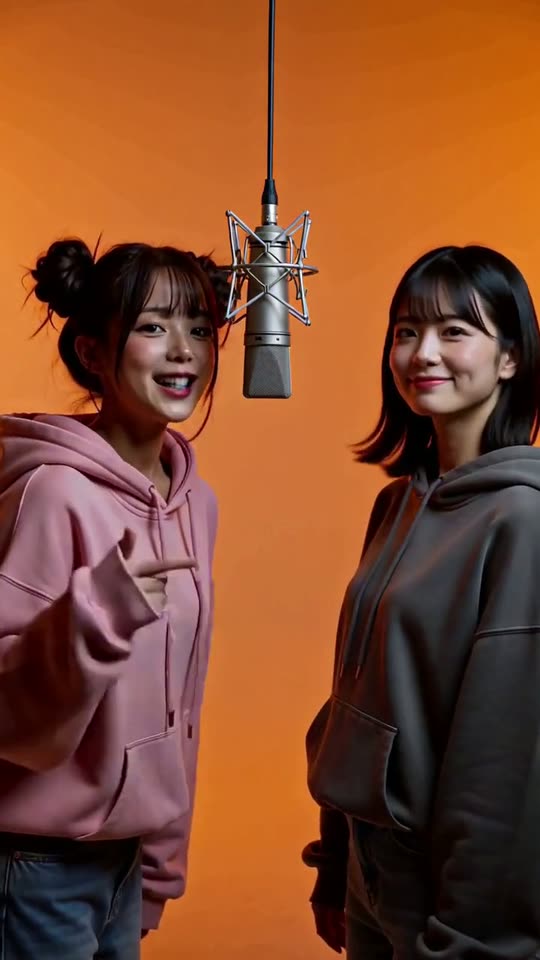 MiniMax H3
Sharp motion, keeps your product on screen
Try it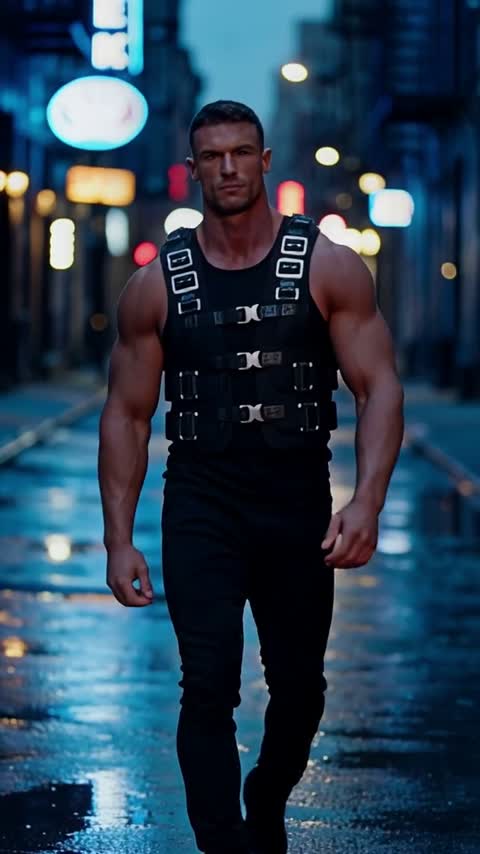 NEWAudioSeedance 2.5
Multi-shot scenes with dialogue
Try itSmooth motion from a prompt or a photo
Try itBudget clips for quick tests
Try itGoogle Veo with native audio, 8s clips
Try itSkill library adapted from awesome-seedance (MIT)
A clear, front-facing photo. The template keeps your face, hair and skin tone; outfits and the set come from the template.
About 5 seconds of you in this format.
Sunlit Try-On, 3 Looks
Choreography locked · Facial reference enabled
Made with these templates
Scroll-stopping formats recreated from the highest-performing video posts. Pick a style, add one photo, and make it your own.
by @sophiaparkerr_ · MiniMax H3
by @abxxai · MiniMax H3
by @AIwithkhan · MiniMax H3
by @heyartzy · MiniMax H3
by @Mohidxai · MiniMax H3
by @GlitterPixely · MiniMax H3
Same moves, new person and scene, your product. One video from $4.99, no subscription.
Try Motion TransferHow AI motion transfer worksEach skill is a way of directing a video, shared by its creator and credited here. The clips under each one were made with that skill.
From a product photo
A phone photo of the product, tight and in focus. A listing photo works. No script, no footage, no brief.
The agent asks what the ad should do, who presents it, and confirms the cost before anything renders. You answer by tapping, not typing.
A 9:16 ad for TikTok, Reels, Shorts or RedNote, rendered in minutes and saved to My videos. Change one answer to render another hook for the same product.
How template remakes work
Viral social media videos succeed because of specific camera timing, lighting changes, and pacing. We lock down the core choreography while seamlessly blending your portrait into every frame.
Every template is a short video that already did well on X, TikTok or Reels, rebuilt from its creator's own prompt. The card links to the original post.
A clear, front-facing photo of yourself, or of an adult who agreed to it. It goes through the same content checks as every generation on CastTake.
The clip renders on the model the creator used and appears in your dashboard when it is done. If a generation fails, its credits come back.
We tested rewriting viral prompts to fit new people and places. Every rewrite drifted: frozen scenes started moving again, rooms changed halfway through. Running the creator's prompt word for word, on the model it was made for, kept all seven outfit changes lined up with their clicks on the first try. So a template here is the creator's exact prompt plus your face.
Fixed credits per remake. No hidden subscription traps.
| Engine | Length | Credits |
|---|---|---|
| MiniMax H3 | 15s | 120 |
Understanding the boundary between original format DNA and AI generation.
Your prompt and reference photo pass a content check before a generation starts, so a request that fails it is refused instead of spending credits.
Detailed breakdown for each format, best reference photos, and target audiences.
MiniMax H3 · 120 credits · by @sophiaparkerr_
MiniMax H3 · 120 credits · by @abxxai
MiniMax H3 · 120 credits · by @AIwithkhan
MiniMax H3 · 120 credits · by @heyartzy
MiniMax H3 · 120 credits · by @Mohidxai
MiniMax H3 · 120 credits · by @GlitterPixely
Recommended
Avoid
Turn on "AI-generated content" in the post settings before publishing. TikTok asks creators to label realistic AI video.
Answer Yes to "Altered or synthetic content" when uploading. Links in the description are clickable.
Upload the original file rather than a copy saved from another app, so no other platform's watermark ends up in the frame. Choose 9:16 when cropping, or the clip is cut to a square.
Credit the template creator named on the card. Keep the audio the clip came with, or use each platform's own music library, so the sound is licensed where you post.
Yes. The AI video ad generator at the top of this page is built for that: add one product photo, tap three answers, and it makes a vertical ad for TikTok, Reels, Shorts or RedNote. The template wall further down is the other path, for people starring in their own videos.
No. Several ad formats show only the product and hands, and the agent asks who presents the ad before it renders. If you want a person talking to camera, the AI UGC ad generator makes that with an AI presenter.
MiniMax H3 templates cost 8 credits a second: 80 credits for a 10-second dance clip, 120 for a 15-second one. Your first remake can be bought on its own for $2.99, once per account, which covers either length, and credit packs start at $9.90. The price on each card is the whole price of that remake.
Yes, a short one. Where the free preview is offered, you can make a 5-second preview of a template with the CastTake watermark, and eligible new accounts get free credits for one 5-second video when they sign in. Full-length clips are paid, so each template also shows a real sample made on CastTake. Watch the sample before you buy; your version keeps that template, with your face.
A free 5-second preview usually takes about 3 to 6 minutes. A full video takes longer, usually 4 to 15 minutes, depending on the model and how busy it is. You can leave the page; the finished clip appears in your dashboard.
Your first successful remake comes with one free redo: same template, same photo, no credits charged. After that, a clearer, front-facing photo is the change that helps most.
The credits reserved for it come back to your balance automatically. Nothing is charged for a clip that did not finish.
Each card credits the creator who first posted the prompt and links to the original post. The prompt runs exactly as they wrote it; only the photo is yours.
Only an adult who has agreed to it. Do not upload photos of anyone under 18 or of public figures.
Yes. Label it as AI-generated using each platform's own setting, and credit the template creator. The posting notes above list where each platform keeps that setting.
Each template runs on the model its creator used. Longer clips and heavier models cost more to render, so they take more credits.
Its creator made it on Wan 3.0, which CastTake cannot run yet. You can watch the sample now; Generate turns on when the model does.
Hotel Lobby AI duo videoRaindance AI trend with your faceAI APT MV drummer and singerAI zombie trend from one photo